
ヘルプセンター - 設定ガイドとトラブルシューティング
インストール
MacがIntelかApple Siliconプロセッサを使用しているか確認するには:
- 画面左上のAppleアイコンをクリック
- 「このMacについて」を選択
- 表示されたウィンドウで「チップ」または「プロセッサ」情報を確認。Intelで始まればIntelプロセッサ、それ以外はApple Siliconプロセッサです
- 1.
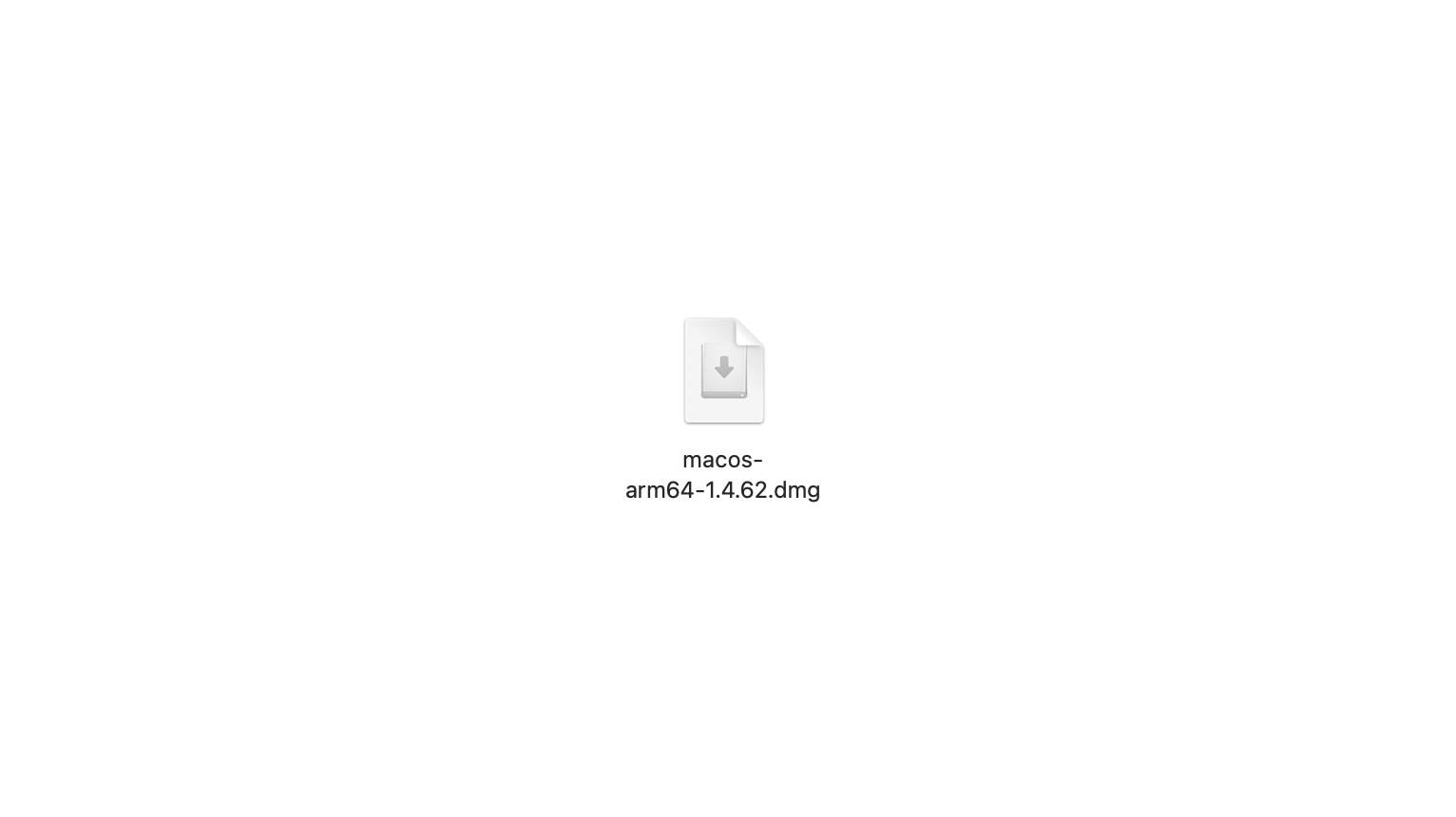
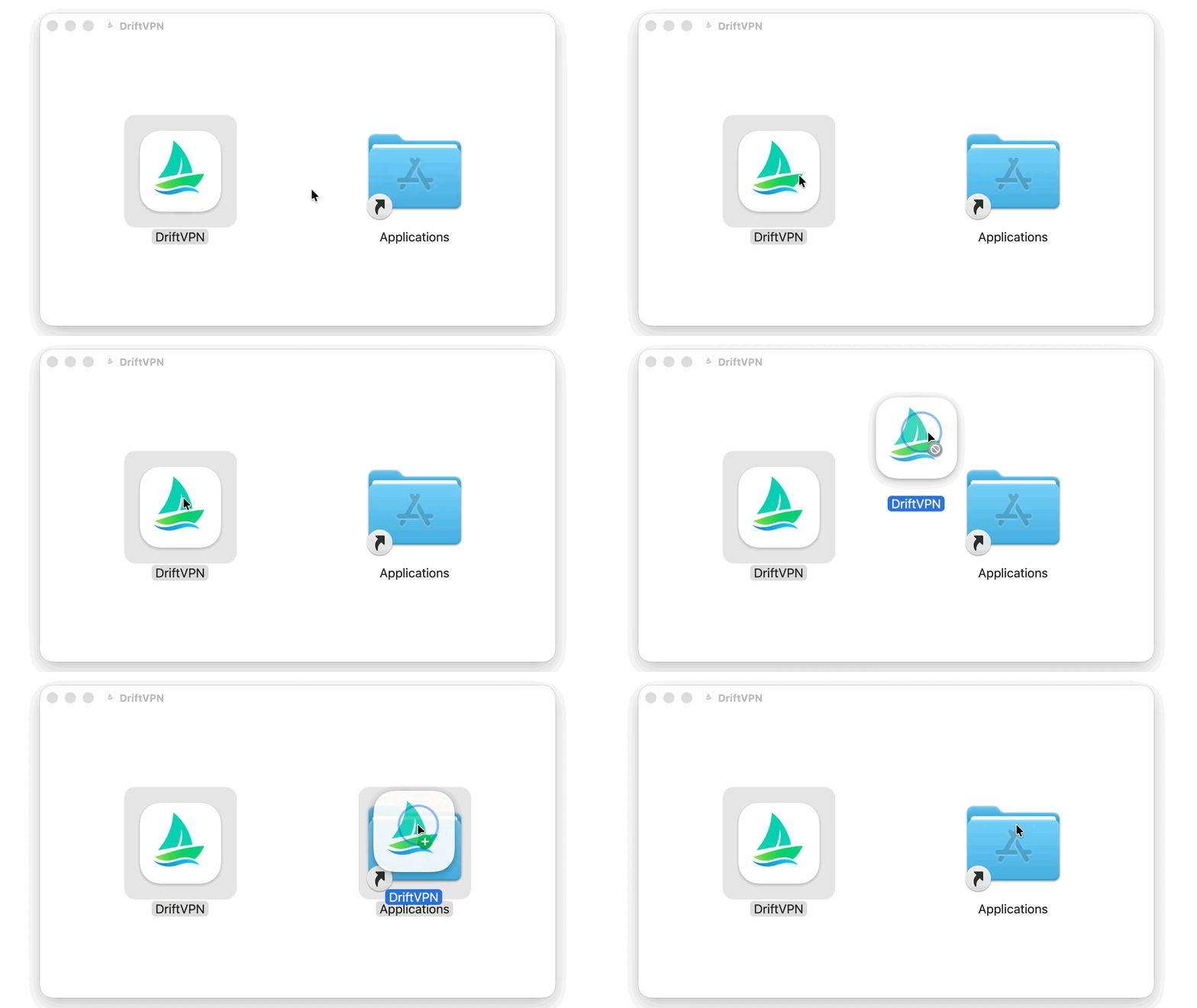
macOS用インストーラをダウンロードしたら、.dmgファイルを開き、VPNをアプリケーションにドラッグします。
- 2.
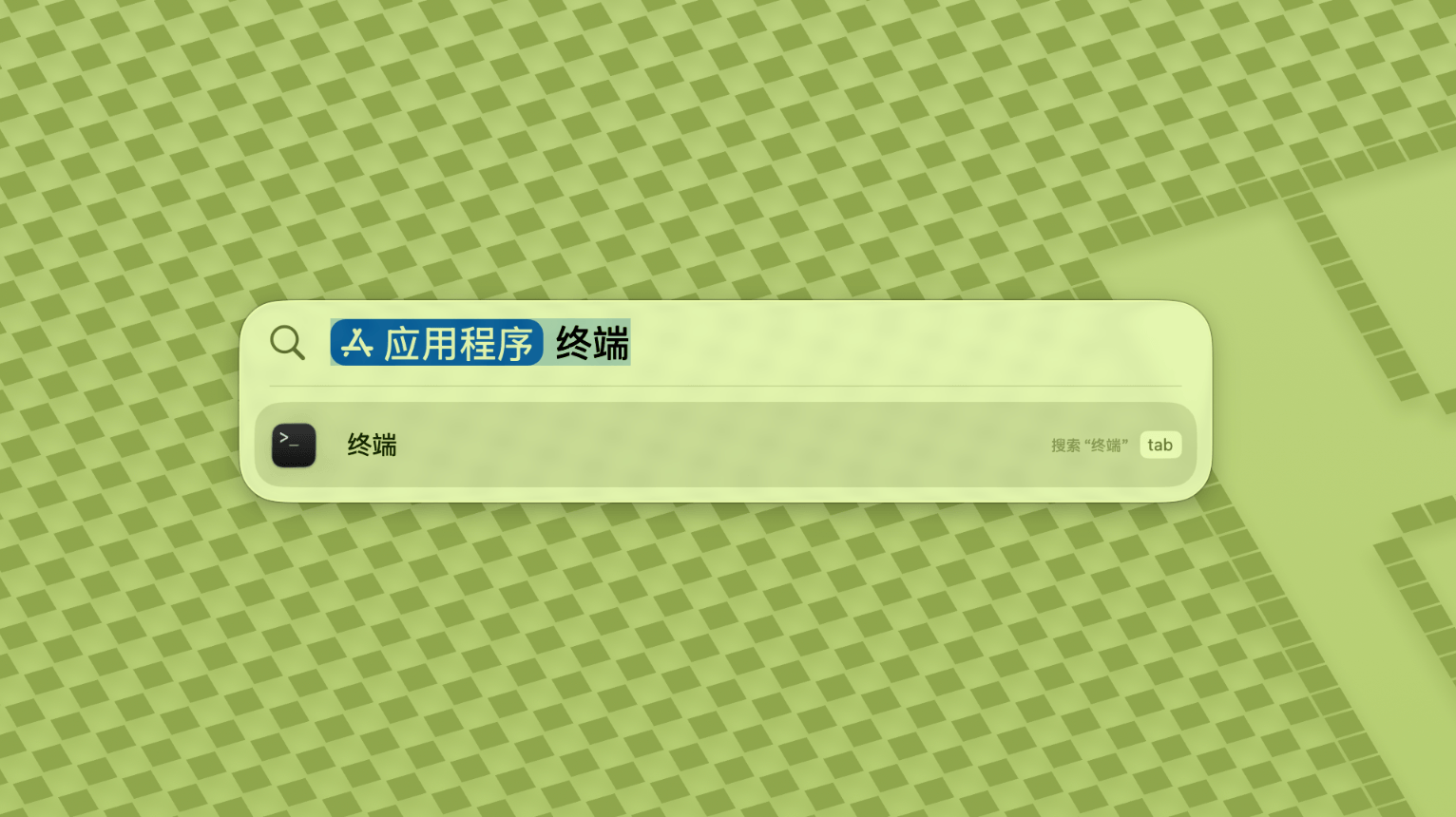
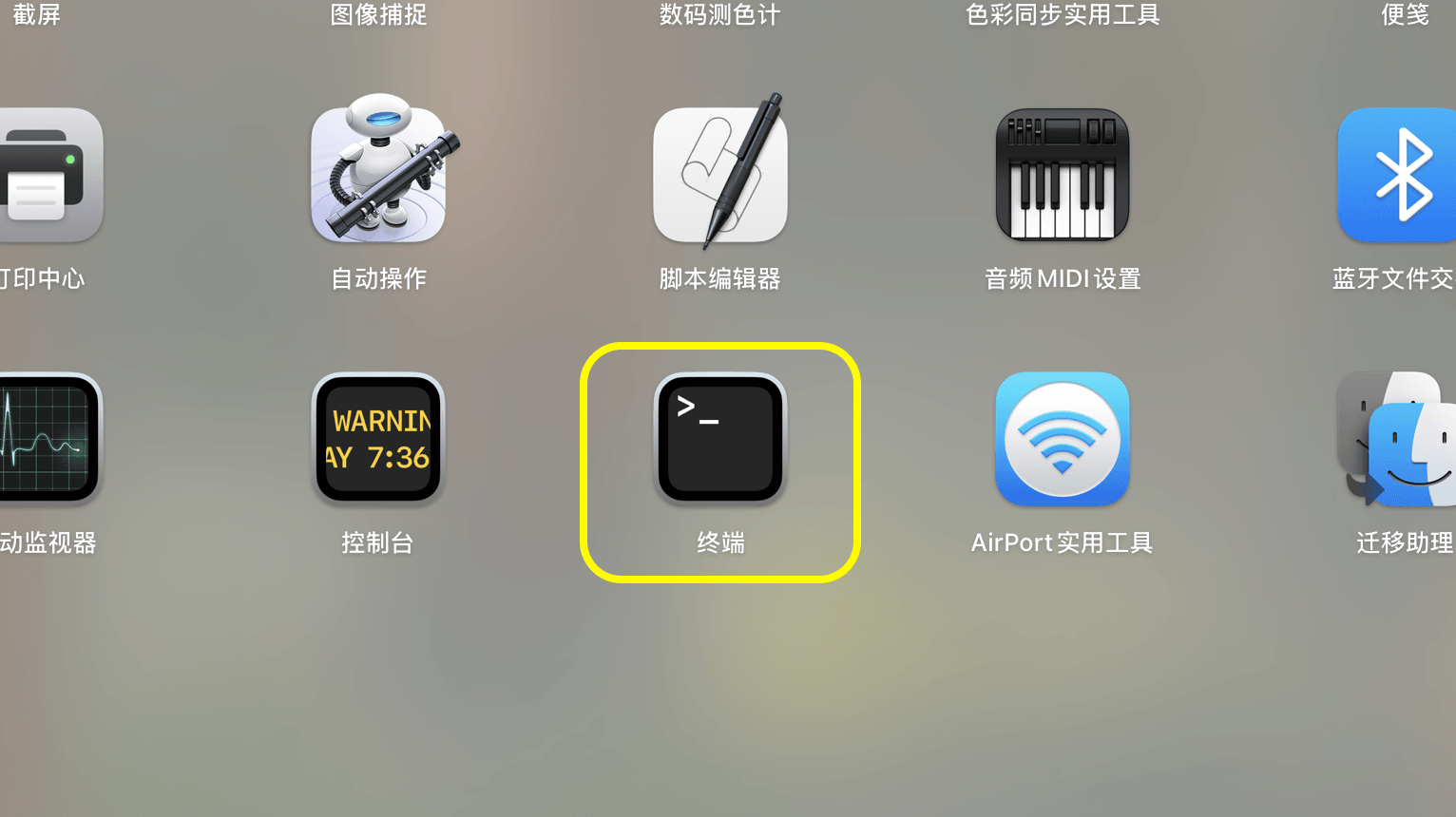
LaunchpadまたはSpotlightを開き、Terminalを検索して起動します。
- 3.
以下のコマンドをTerminalに貼り付けてEnterキーを押します。パスワードを求められたら、Macのログインパスワードを入力してください(入力中は文字が表示されません)。終わったらEnterキーを押します。
sudo xattr -rd com.apple.quarantine /Applications/DriftVPN.app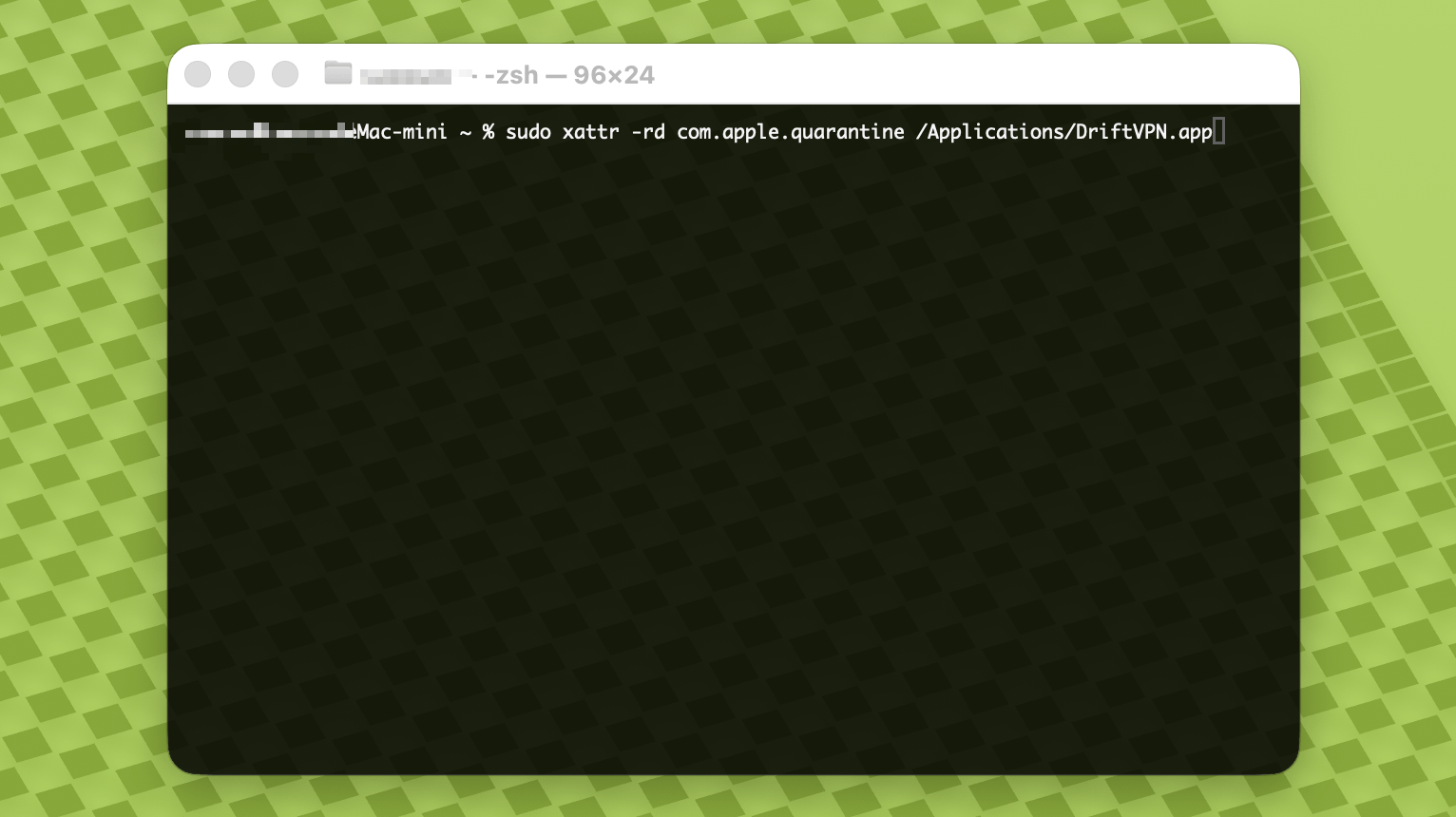
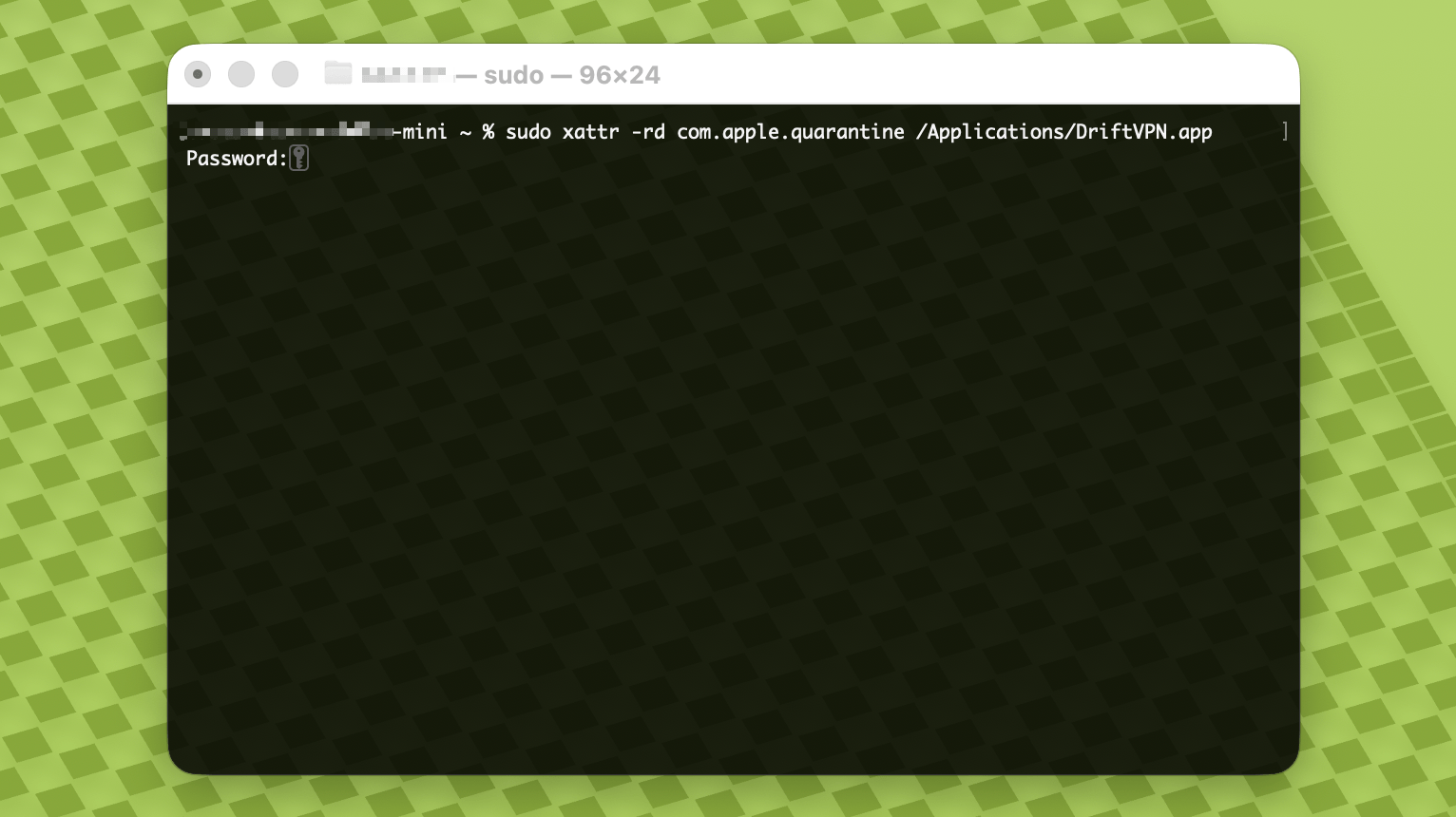
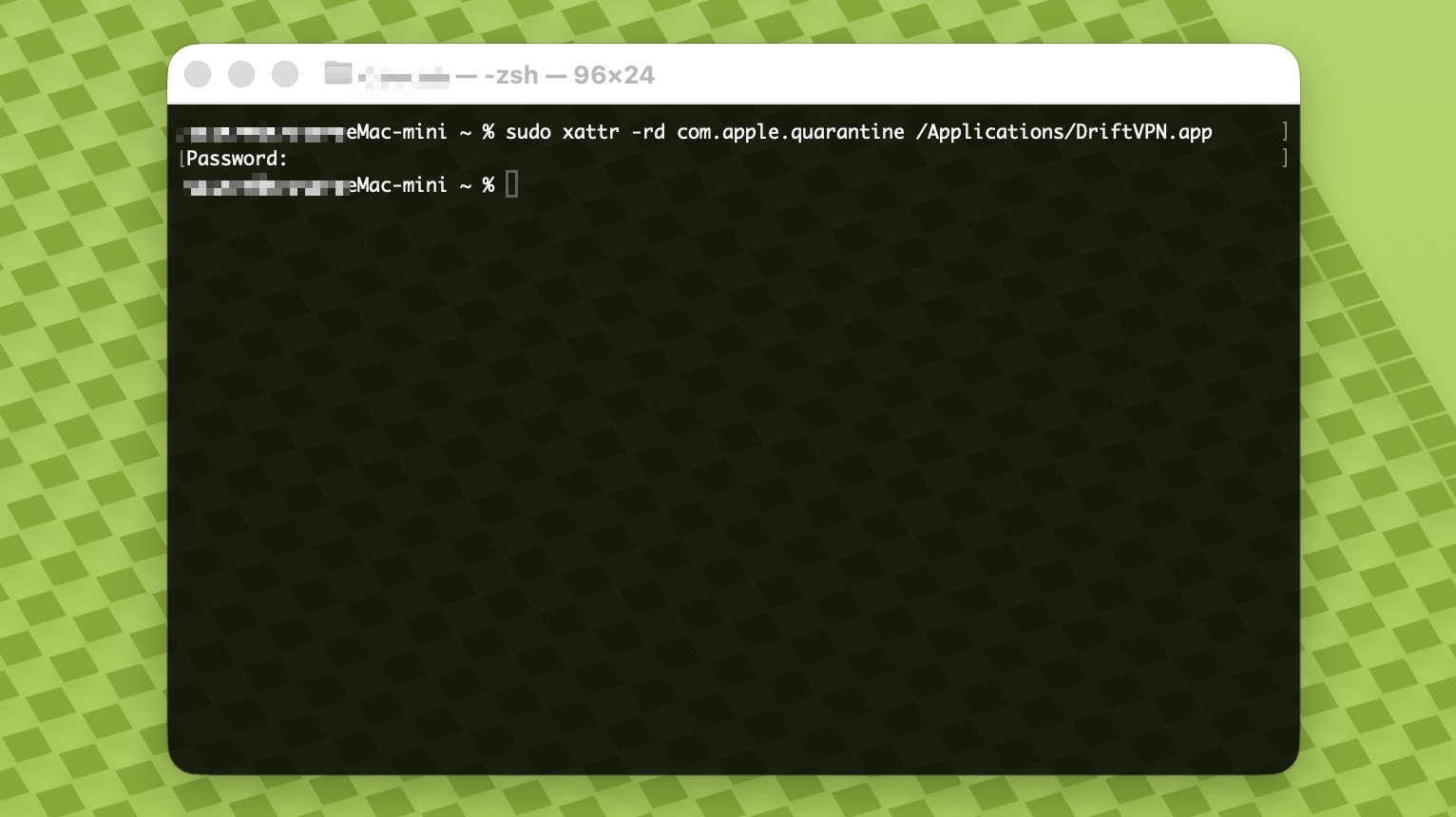
- 4.
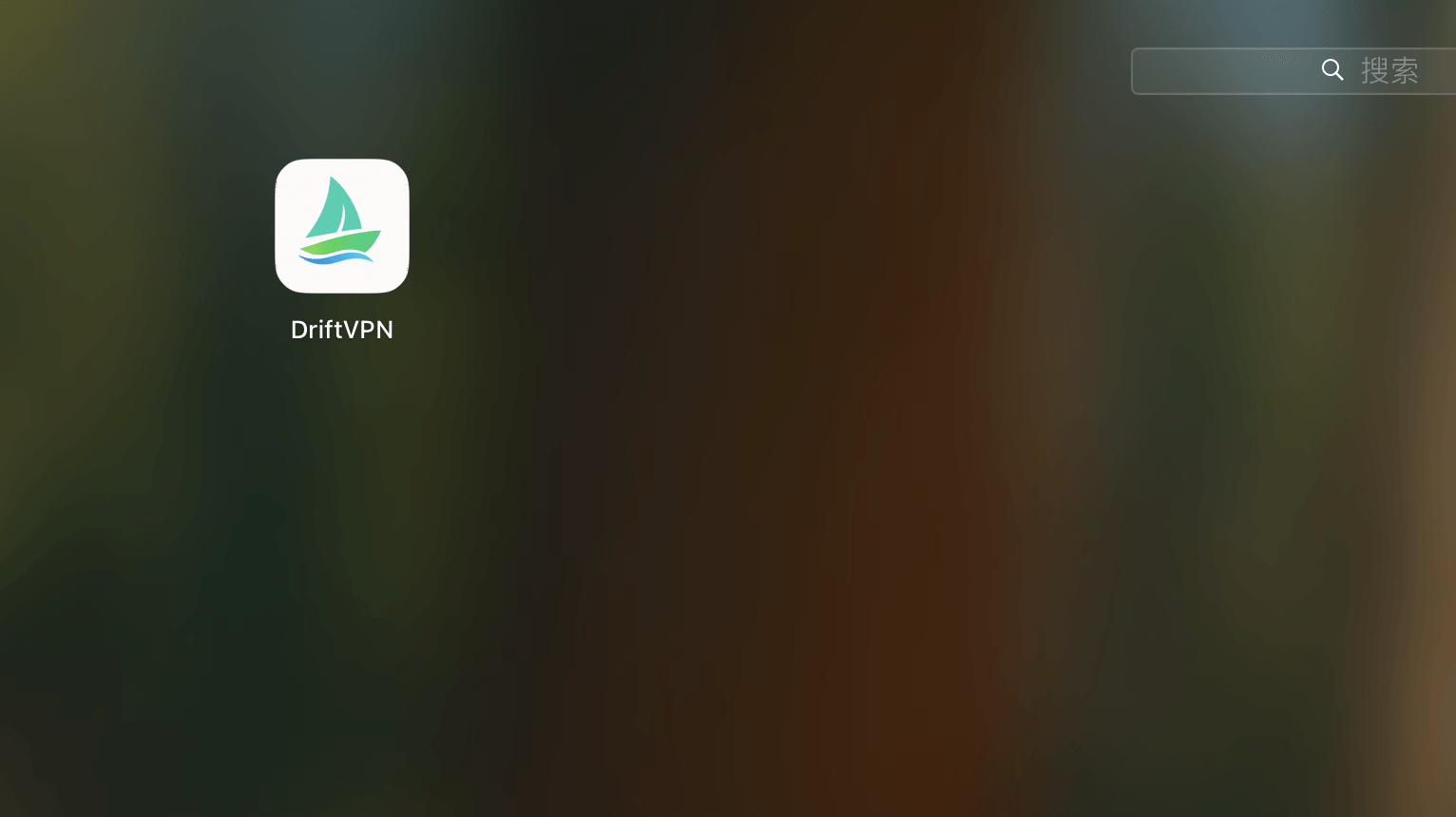
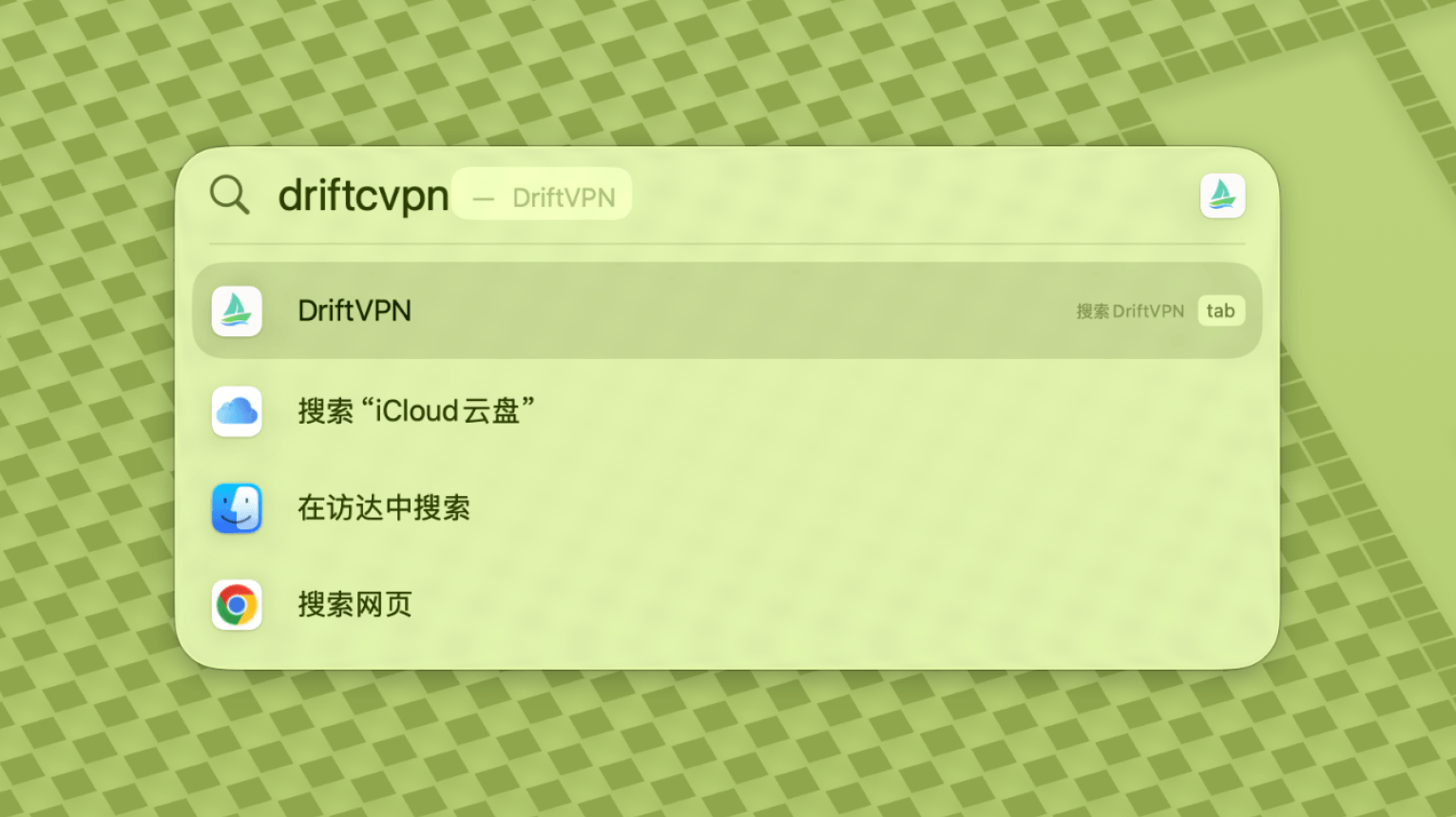
コマンドが完了したら、VPNを検索するか、アプリケーションから開きます。
- 5.
macOSがアプリをブロックし続ける場合は、システム設定 → プライバシーとセキュリティに移動し、セキュリティセクションで「このまま開く」をクリックします。アプリが破損していると表示された場合は、最新のインストーラを再ダウンロードして上記のコマンドを繰り返してください。
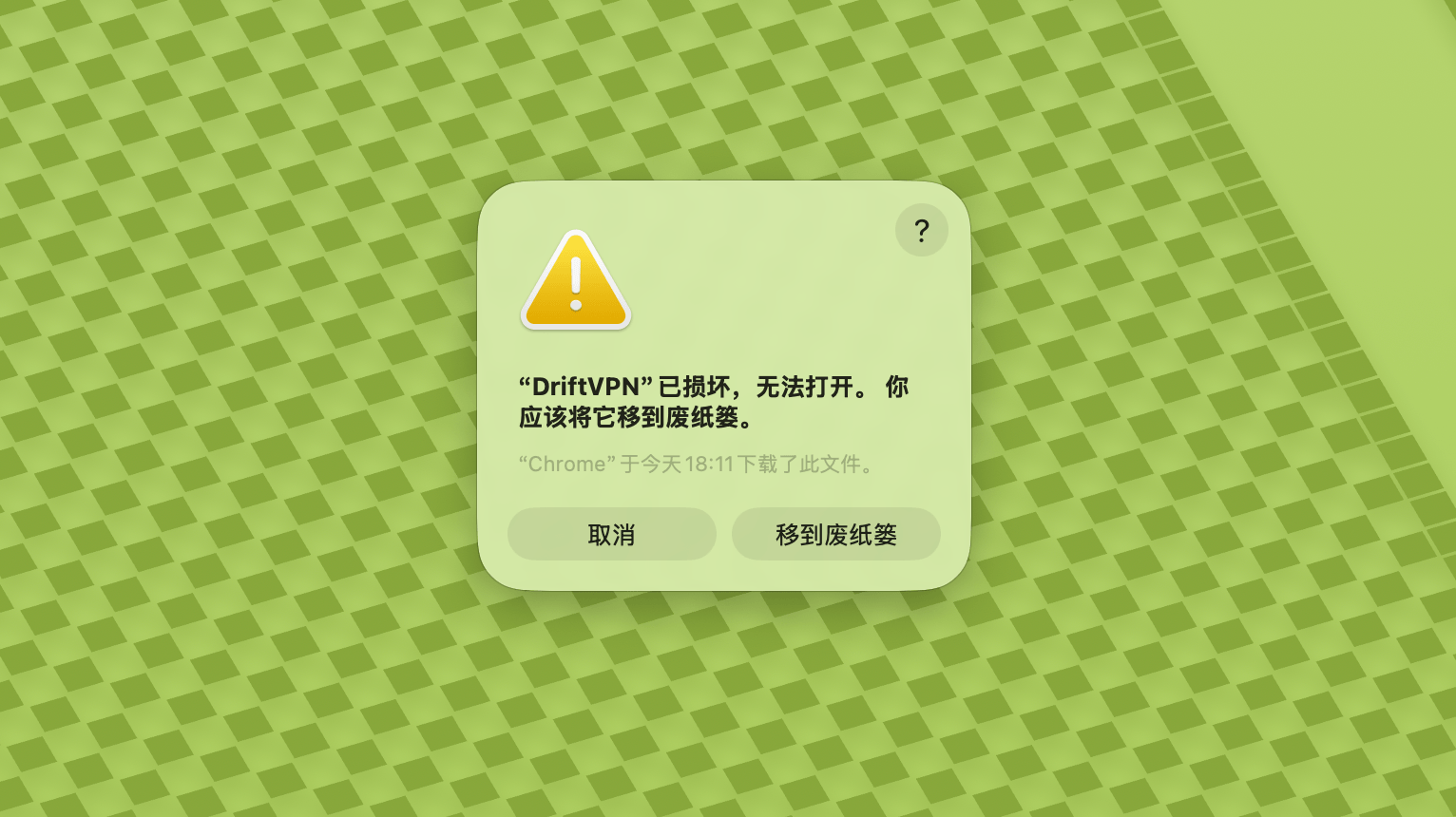
macOSでVPNを開けない場合は、システム設定 → プライバシーとセキュリティに移動し、セキュリティセクションまでスクロールして「このまま開く」をクリックしてください。
Windowsパソコンがx64、ARM64、またはx86(32ビット)プロセッサを使用しているか確認するには:
- システム情報ツールを開きます。Win + Rを押してmsinfo32と入力し、Enterキーを押します
- システムの概要 → システムの種類に移動し、システムアーキテクチャ情報を確認します
エラー:プロキシ実行ファイルが存在しません。またはファイルにウイルスや不要なソフトウェアが含まれているというメッセージ。解決方法:
方法1:
- 「設定」→「プライバシーとセキュリティ」→「Windowsセキュリティセンター」→「ウイルスと脅威の防止」を開く
- 「設定の管理」をクリック
- 一番下の「除外項目」でDriftインストールディレクトリを追加または削除
方法2:
- 「設定」→「プライバシーとセキュリティ」→「Windowsセキュリティセンター」→「ウイルスと脅威の防止」を開く
- 「設定の管理」をクリック
- 「リアルタイム保護」をオフにする
Windows でアプリを起動しても接続できない場合、通常は Windows Defender ファイアウォールがアプリをブロックしています。解決方法:
方法1:コントロールパネルで例外を追加
- Win + S を押して検索:コントロールパネル
- 移動:システムとセキュリティ → Windows Defender ファイアウォール
- 左側の「Windows Defender ファイアウォールを介したアプリまたは機能の許可」をクリック
- 右上の「設定の変更」をクリック
- 「別のアプリの許可」をクリック
- 「参照」をクリックして .exe ファイルを選択(デフォルトパス:C:\Users\[ユーザー]\AppData\Local\VPN\QingZhou.exe)
- 追加後、チェック:プライベート、パブリック(外部ネットワークアクセスが必要な場合)
- 「OK」をクリック
方法2:セキュリティが強化された Windows Defender ファイアウォールで規則を新規作成
- Win + S を押して「セキュリティが強化された Windows Defender ファイアウォール」を検索して開く
- 左側の「受信の規則」をクリック → 右側の「新しい規則」をクリック
- 「プログラム」を選択 → 次へ
- 「このプログラムのパス」を選択し、.exe ファイルを参照して選択 → 次へ
- 「接続を許可する」を選択 → 次へ
- 「ドメイン」「プライベート」「パブリック」にチェック(通常はすべて)→ 次へ
- 名前を入力(例:DriftVpn Inbound)→ 完了
- 「送信の規則」にも同じ手順を繰り返す(左側で「送信の規則」を選択し、受信と同じ手順で作成)
Android用VPNは以下の手順でダウンロードしてインストールできます:
- 公式ダウンロードページを開き、Androidを選択します。
- Android用インストールパッケージをスマートフォンまたはタブレットにダウンロードします。
- ブラウザのダウンロードフォルダまたはファイルマネージャからダウンロードしたAPKファイルを開きます。
- Androidが不明なアプリのインストール許可を求めた場合は、現在のブラウザまたはファイルマネージャに対して許可し、インストールを続行します。
ブラウザやシステムによっては、APKファイルが.zip拡張子で保存される場合があります。以下の手順で対処してください:
- ファイルを解凍しないでください。
- ファイルマネージャを開き、ダウンロードしたファイルの拡張子を.zipから.apkに変更します。
- 名前を変更した.apkファイルをタップしてインストールします。
- 名前を変更できない場合は、再度ダウンロードするか、別のブラウザでAPKをダウンロードしてください。
ポリシーの関係により、VPNは中国のApp Storeでは利用できません。以下の方法でダウンロードできます:
- 中国以外のApple ID(米国、日本、香港など)が必要です
- App Storeで中国以外のアカウントに切り替えます
- 「VPN」を検索して見つけ、ダウンロードします
- 海外のApple IDをお持ちでない場合は、無料の海外Apple IDの登録方法をオンラインで検索してください
アカウント
ログインパスワードを忘れた場合は、以下の手順でリセットできます:
- ログインページに移動し、「パスワードをお忘れですか?」をクリックします
- 登録済みのメールアドレスを入力します
- メールに届いた6桁の認証コードを確認します(有効期限:5分)
- 認証コードと新しいパスワードを入力してリセットを完了します
支払いの問題
現在、以下の支払い方法に対応しています:
- Visa/Mastercard
サブスクリプションをキャンセルする場合は、まずどのプラットフォームで契約したかをご確認ください。プラットフォームによってキャンセル方法が異なります。アプリをアンインストールしても自動的にキャンセルされません。
公式サイトのサブスクリプション
手順:
- 公式サイトを開き、右上のアカウントボタンからログインします。
- ログイン後、右上の「マイアカウント-プランと請求」をクリックします。
- プラン情報の右側にある管理ボタンをクリックします。
- Stripeのページでサブスクリプションをキャンセルします。
iOS版
iPhoneまたはiPadのApp Storeでサブスクリプションを契約した場合は、Apple経由でキャンセルしてください:
- iPhoneまたはiPadの「設定」を開きます。
- 上部のAppleアカウント名をタップします。
- 「サブスクリプション」をタップします。
- VPNのサブスクリプションを選択します。
- 「サブスクリプションをキャンセルする」をタップします。
iOSデバイスを使用しているが、実際には公式サイトでサブスクリプションを契約した場合は、上記の「公式サイトのサブスクリプション」の手順に従ってキャンセルしてください。
Android版
Google Playストア以外のAndroidサブスクリプションはStripeで処理されます。キャンセル方法は上記の「公式サイトのサブスクリプション」をご参照ください。
Android - Google Playストア版
Google Playでサブスクリプションを契約した場合は、Google Play経由でキャンセルしてください:
- Google Playを開きます。
- 右上のプロフィールアイコンをタップします。
- 「お支払いとサブスクリプション」に進みます。
- 「サブスクリプション」をタップします。
- VPNのサブスクリプションを選択します。
- 「サブスクリプションをキャンセル」をタップし、指示に従って操作を完了します。
Mac版
Mac App Store以外のサブスクリプションはStripeで処理されます。キャンセル方法は上記の「公式サイトのサブスクリプション」をご参照ください。
Mac - App Store版
Mac App Storeでサブスクリプションを契約した場合は、Apple経由でキャンセルしてください:
- MacのApp Storeを開きます。
- アカウント名をクリックします。
- 「アカウント設定」をクリックします。
- 「サブスクリプション」を見つけ、「管理」をクリックします。
- VPNのサブスクリプションを選択します。
- 「サブスクリプションをキャンセルする」をクリックします。
Windows版
キャンセル方法は上記の「公式サイトのサブスクリプション」をご参照ください。
使い方
以下の手順でVPNの体験版を開始できます:
- 公式サイトまたはいずれかのクライアントでアカウントを登録します
- いずれかのクライアントでアカウントにサインインします
- ホーム画面の切り替えボタンをタップしてサービスを開始します
アクティベーションコードをお持ちの場合は、ログイン後に引き換えることができます:
- ウェブサイトまたはクライアントでアカウントにログインします。
- 右上の「マイアカウント」をクリックし、ドロップダウンメニューから「アクティベーションコードを引き換える」を選択します。
- アクティベーションコードを入力し、引き換えを確認します。
- 引き換えが成功すると、対応するパッケージまたは特典が自動的にアカウントに追加されます。
- 成功メッセージが表示されない場合、アクティベーションコードは既に使用済みです。
- アクティベーション後、パッケージまたは特典を有効にするためにアプリを再起動してください。
VPNは現在以下のプラットフォームに対応しています:
- Android(スマートフォンとタブレット)
- iOS(iPhoneとiPad、中国以外のApp Storeが必要)
- macOS(IntelとApple Siliconチップの両方に対応)
- Windows(x64アーキテクチャに対応)
1つのアカウントで最大3台のデバイスを同時にオンラインにできます。より多くのデバイスにクライアントをインストールして同じアカウントでログインできますが、制限されるのは同時に接続中のデバイス数だけです。上限を超えると、最初に接続したデバイスが自動的に切断されます。現在のクライアントには、他のデバイスをワンクリックで切断したりログアウトさせたりする機能はありません。オンライン枠を空けるには、該当デバイスで手動で切断またはログアウトしてください。
VPNを通過するトラフィックを制御します:
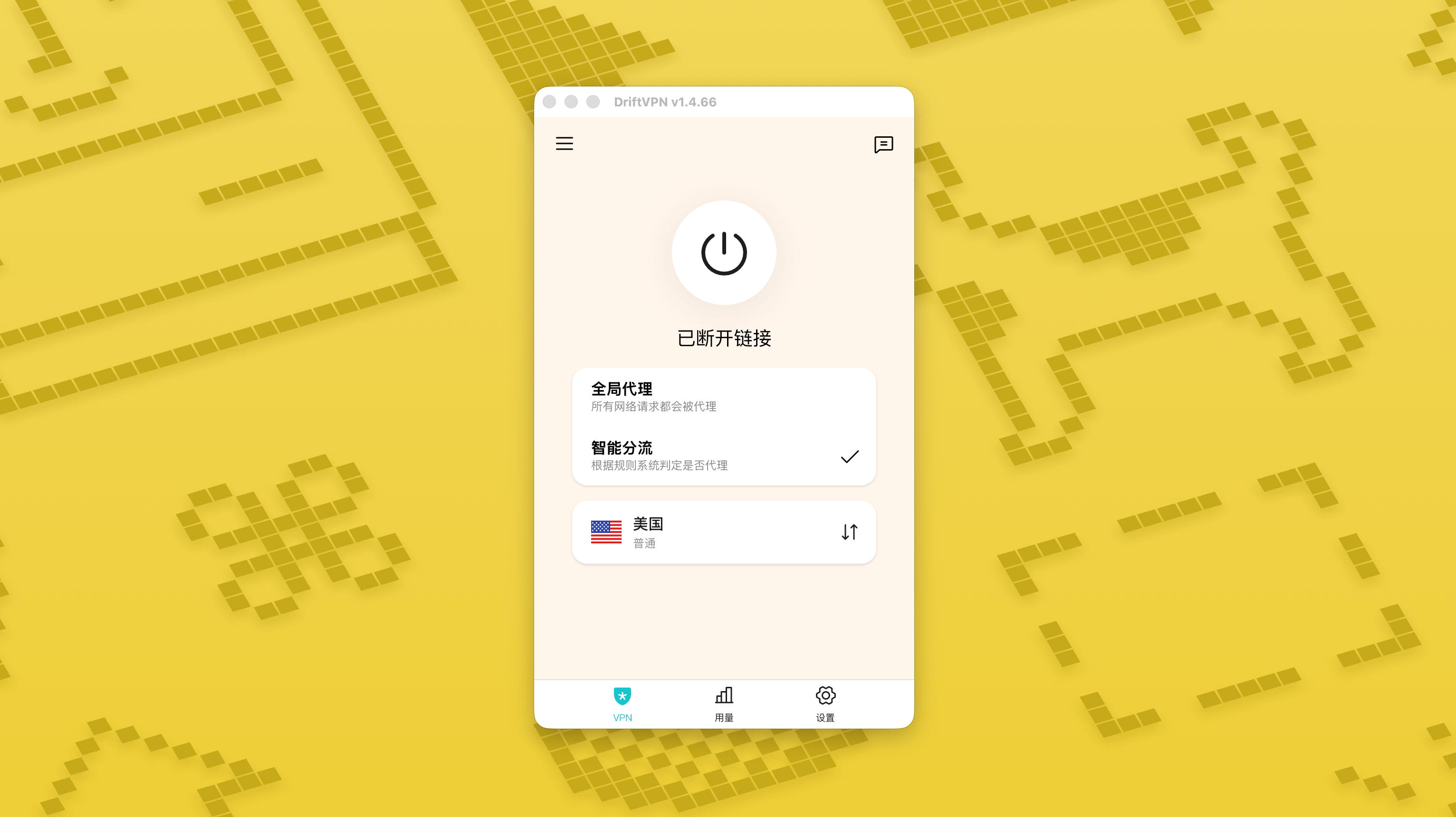
- グローバルプロキシは、ほとんどのネットワークトラフィックをVPN経由で送信します。すべてのアプリとウェブサイトにプロキシ接続を使用したい場合に使用します。
- スマートルーティングは、高速化やアクセス最適化が必要なトラフィックのみをプロキシします。ローカルや直接到達可能なトラフィックは元のネットワークを使用するため、日常的な使用に通常より適しています。
- VPNの内蔵ルールでほとんどのニーズをカバーできますが、独自のプロキシルールを追加することもできます。
- 1.
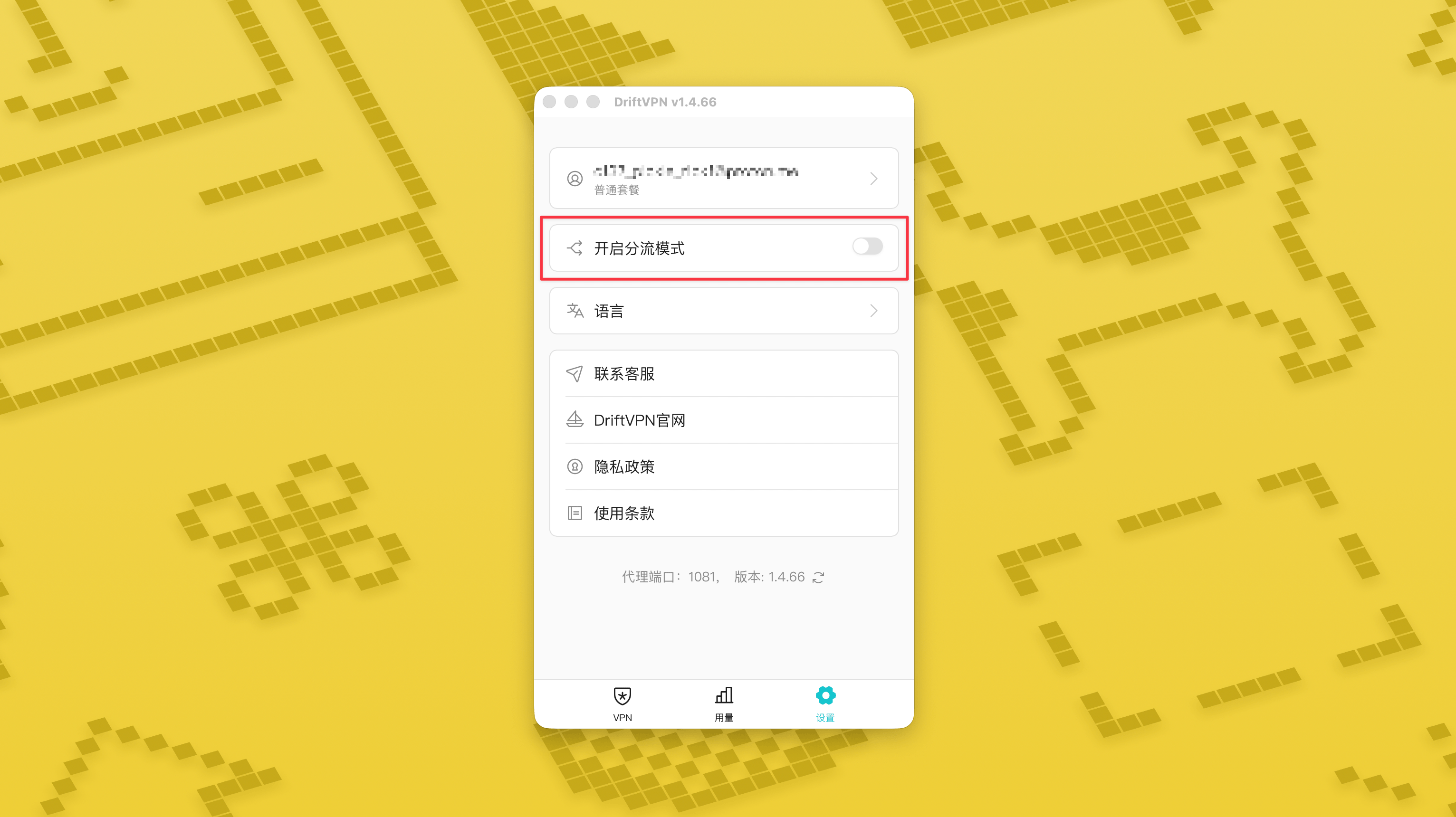
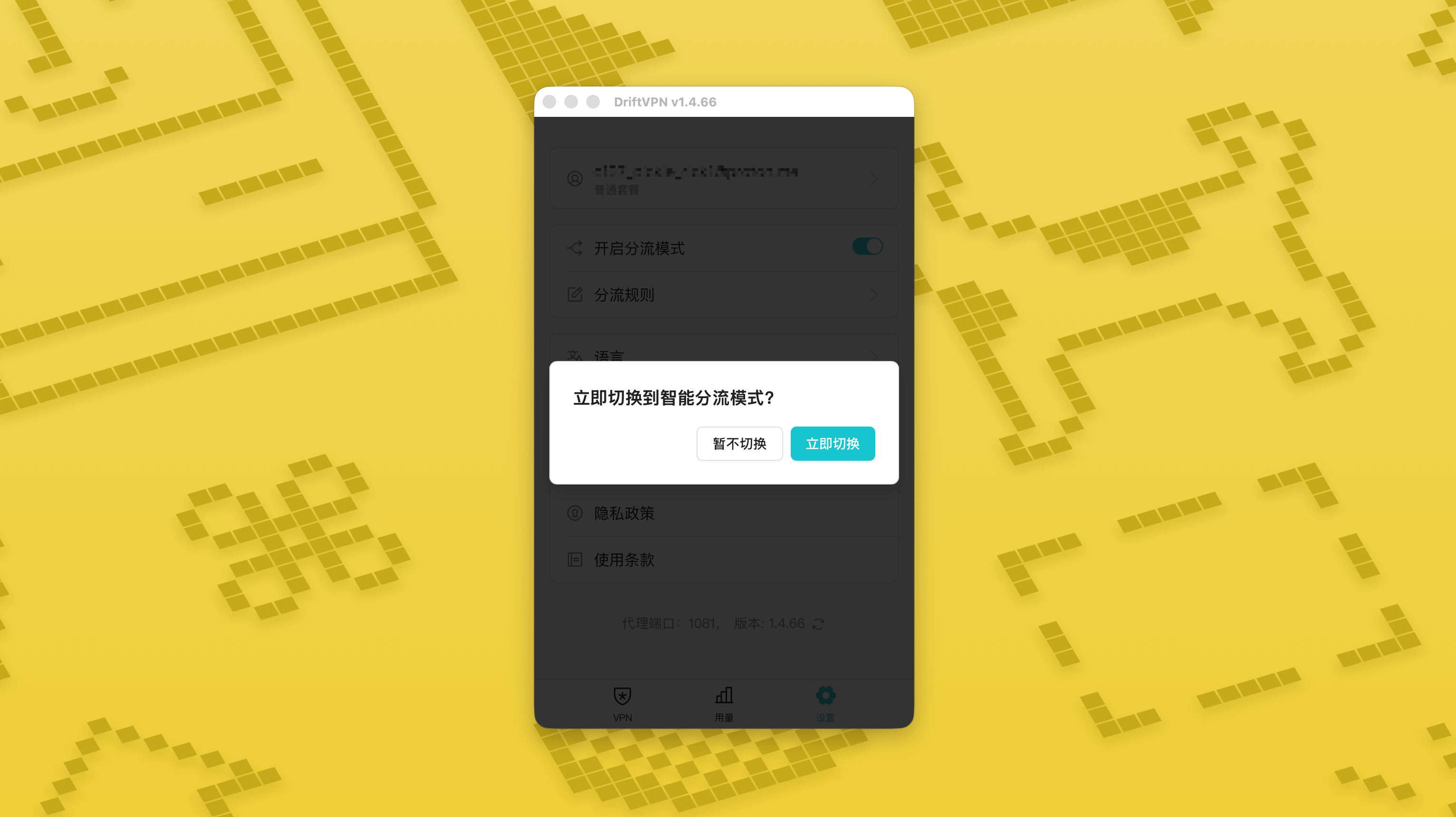
設定ページでスマートルーティングモードのスイッチをオンにし、「今すぐ切り替え」をタップすると有効になります。
- 2.
有効にすると、ホーム画面で「グローバルプロキシ」と「スマートルーティングモード」を切り替えられます。
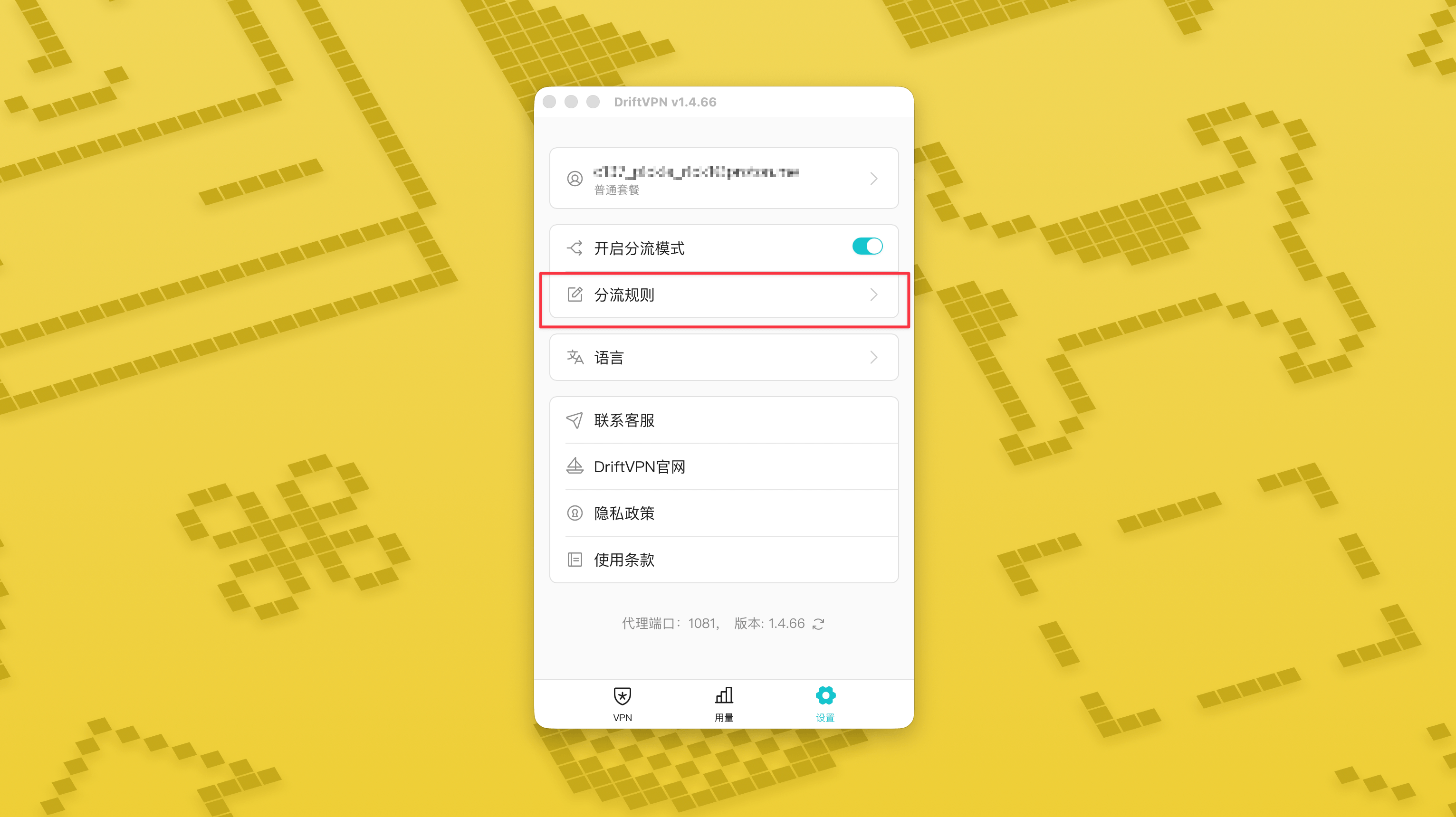
- 3.
スマートルーティングモードを有効にすると、設定ページに「ルーティングルール」ページが表示されます。
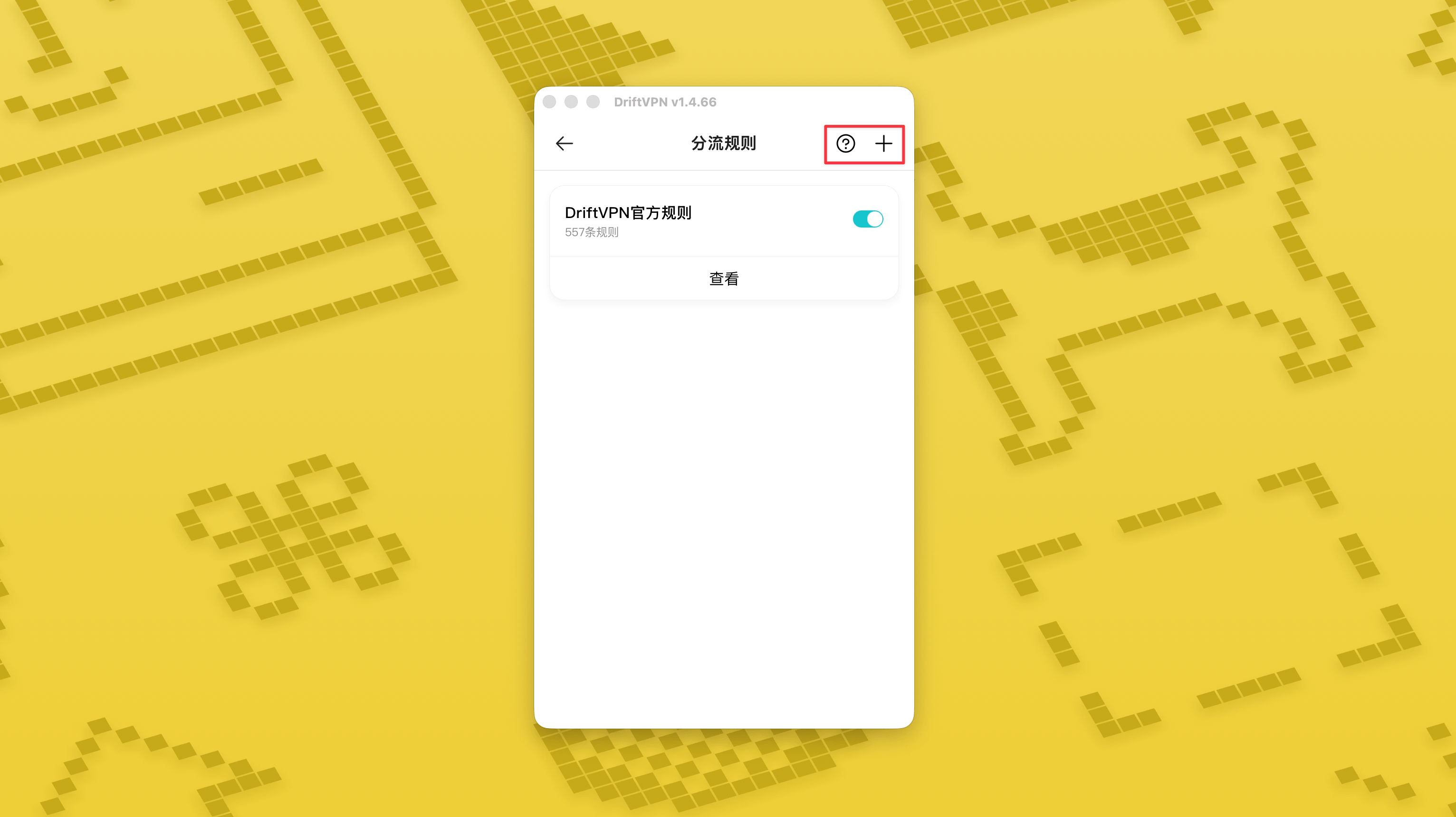
- 4.
「ルーティングルール」ページ右上の「+」ボタンを押すと新しいルールを追加でき、「?」ボタンを押すとルールの書き方を確認できます。各ルールグループはスイッチで有効化または無効化できます。
Clashなどのプロキシツールを既に使用している場合、DriftVPNをフロントエンドプロキシとして使用し、住宅IPプロキシを最終出口として接続できます。これは「最初にDriftVPN経由で接続し、その後住宅IPを通じてターゲットウェブサイトにアクセスする」必要がある上級ユーザー向けです。
DriftVPNのデフォルトのローカルプロキシポートは です。そのポートが別のプログラムによって使用されている場合、クライアントは自動的に次のポートを試みます(例: 、)。設定時は、クライアントに現在表示されているローカルプロキシポートを使用してください(接続成功後にVPN設定ページの下部でポート番号を確認してください)。
プロキシチェーンをサポートするClash / Mihomoクライアントを使用した例として、以下のように設定できます:
proxies: - name: "轻舟VPN 前置代理" type: http server: 127.0.0.1 port: 9527 - name: "住宅IP落地" type: http server: your-residential-proxy.example.com port: 12345 username: "your-username" password: "your-password"proxy-groups: - name: "轻舟VPN + 住宅IP" type: relay proxies: - "轻舟VPN 前置代理" - "住宅IP落地" - name: "PROXY" type: select proxies: - "轻舟VPN + 住宅IP" - DIRECTrules: - MATCH,PROXY
注意事項:
- 上記の住宅IPプロキシ情報は、サービスプロバイダーから提供された実際のアドレス、ポート、ユーザー名、パスワードに置き換える必要があります。
- DriftVPNに現在表示されているローカルプロキシポートが9527でない場合は、設定のポートを実際のポートに変更してください。
- 住宅IPプロキシのタイプは、サービスプロバイダーが提供するプロトコルに応じて入力してください。一般的な値はhttpまたはsocks5です。
- プロキシチェーンのサポートはClashクライアントによって異なります。設定が機能しない場合は、現在のクライアントコアがリレータイプのプロキシグループをサポートしているか確認してください。
- この使い方は、Clash設定に精通した上級ユーザー向けです。一般ユーザーはDriftVPNクライアントに内蔵されているグローバルプロキシまたはスマートルーティングを使用することをお勧めします。
はい。アクセスが不安定な場合は、別のルートに切り替えて再試行してください。
現在の使用目的に応じてルートを選択できます:
- 日常的な使用で遅延を気にしない場合は、どのルートでも問題ありません。
- 遅延が重要な場合は、地理的に近いノードを選択してください。
- 地域限定のストリーミングコンテンツなど、IPリージョン制限のあるウェブサイトやサービスにアクセスする必要がある場合は、対応する国や地域のノードを選択してください。
カスタマーサポートは以下の問題のみ対応します:
- アカウントのログイン異常
- 支払い / 注文に関する問題
- 接続できないなど、サービスが完全に利用できない状態
以下のケースはカスタマーサポートの対象外です:
- 遅延、速度低下、速度不安定などの主観的な利用体験に関する問題
- Web サイトやアプリなど第三者プラットフォームへのアクセスが遅い場合
- ユーザーのローカルネットワーク環境、端末、通信事業者などに起因する問題
- 公式チュートリアルに従わない設定、またはユーザー自身による設定変更に起因する問題
- ネットワーク品質はユーザー所在地の通信事業者や国際回線の影響を大きく受けるため、本プラットフォームはすべての地域・時間帯でのアクセス体験を保証できません。
問題が発生した場合は、以下の方法でお問い合わせいただけます:
- 「フィードバック」ページから問題を送信してください。メールにて返信いたします。フィードバックページへ
- サポートメールにメールを送信してください:support@qz.run
- Telegramでお問い合わせください:@driftvpn_offical